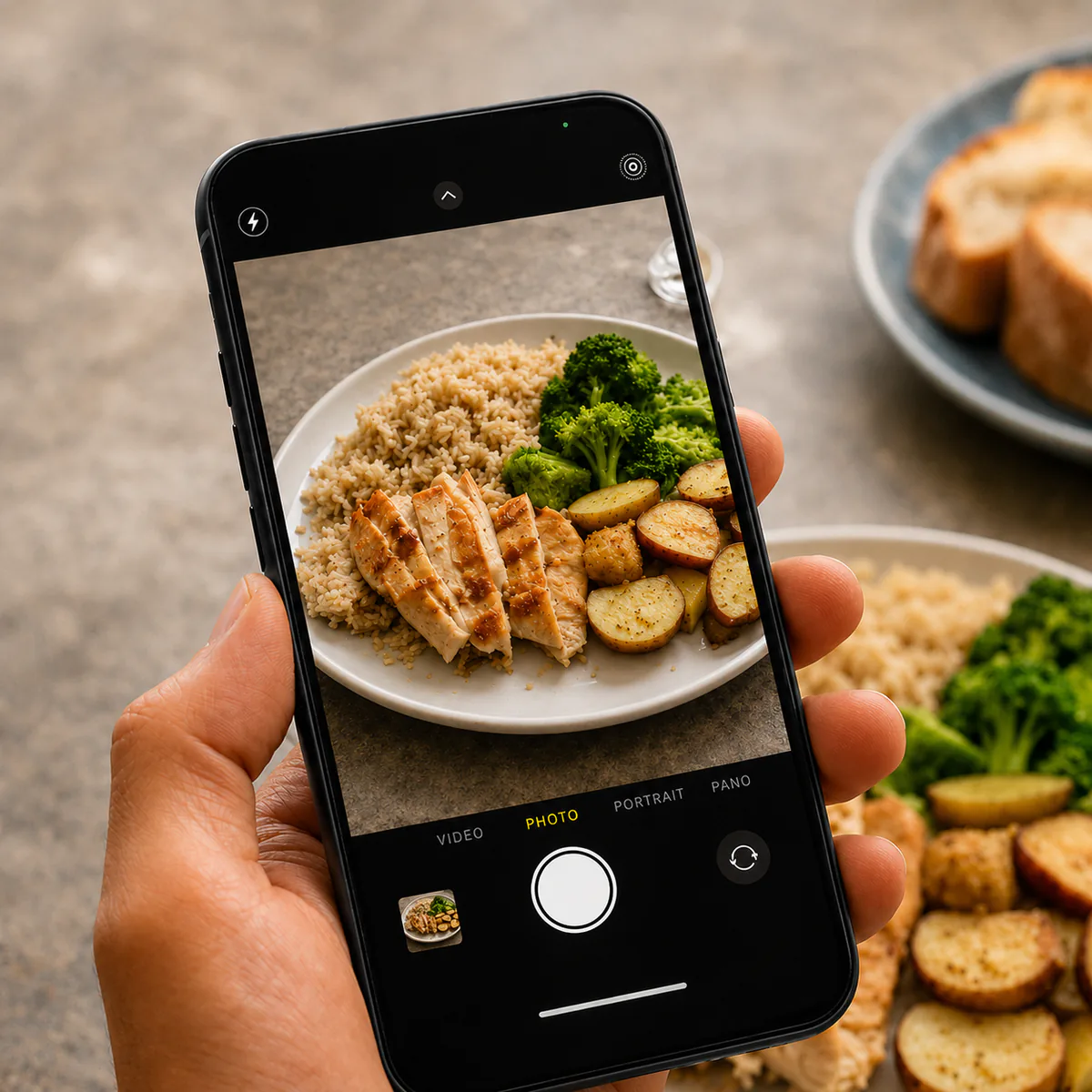
Why photo-only logging falls short
Manual food logging often fails for a simple reason: it adds work at the exact moment people are busy, hungry, or social.
Photo logging lowers friction:
- snap a photo in seconds,
- capture context you’d forget later,
- and review patterns without turning every meal into homework.
But photo-only logging still has an obvious limit: a camera cannot see everything that matters.
Common blind spots:
- oils, sauces, dressings, and cooking fats,
- hidden ingredients inside mixed dishes,
- brand-specific products or recipe choices,
- portion adjustments that are not obvious from the image,
- and anything you removed, added, or swapped after the photo was taken.
Why chat makes the log better
Chat is what turns a fast photo into a high-quality log.
With chat, you can:
- add context that is not visible in the image,
- correct what the assistant recognized from the photo,
- clarify hidden ingredients, cooking methods, and quantities,
- and be as brief or as specific as you want.
That matters because the best logging flow should not force you into a rigid form every time. Sometimes a photo is enough. Sometimes you want to say: “This had extra olive oil,” “half the bun,” “tofu, not chicken,” or “there was sauce on the side.”
Why photo + chat is the stronger solution
Photo + chat logging combines the two things most nutrition trackers struggle to balance:
- Convenience: the photo captures the meal quickly.
- Precision: the chat lets you add or correct details the photo cannot provide.
That is why photo + chat is the state-of-the-art approach for meal logging. It keeps the low-friction capture that makes photo logging useful, but it also gives you a free-text channel for nuance, corrections, and hidden ingredients.
What good feedback should focus on
Good feedback is practical. It should:
- reinforce what you did well (so you repeat it),
- suggest one improvement (not a list of 10),
- and give an easy swap for the next similar meal.
This keeps the loop supportive rather than judgmental.
What this looks like in nubi
In nubi, the flow should stay simple:
- take a photo or upload an image in chat,
- add a short note if the meal needs context,
- correct or clarify anything the assistant could not infer from the image,
- get feedback tied to your nutrition plan,
- then review the logged meal in Meal Diary for score details and nutrient breakdowns.
A simple way to start
- Minimal start: log one meal with a photo and one short sentence of context.
- Consistent review: pick one repeat meal you often eat and clarify the hidden details each time.
- Precision mode: add ingredients, quantities, sauces, and corrections whenever the meal is mixed or restaurant-made.
Privacy and control basics
If you use photo logging, look for clear boundaries:
- what is stored and for how long,
- who can access it,
- and whether you can delete your data.
If you want to see how nubi handles photo + chat logging and meal review, start at How it works and Features.